API Keys
Complete API documentation for NautilusTrader Pro
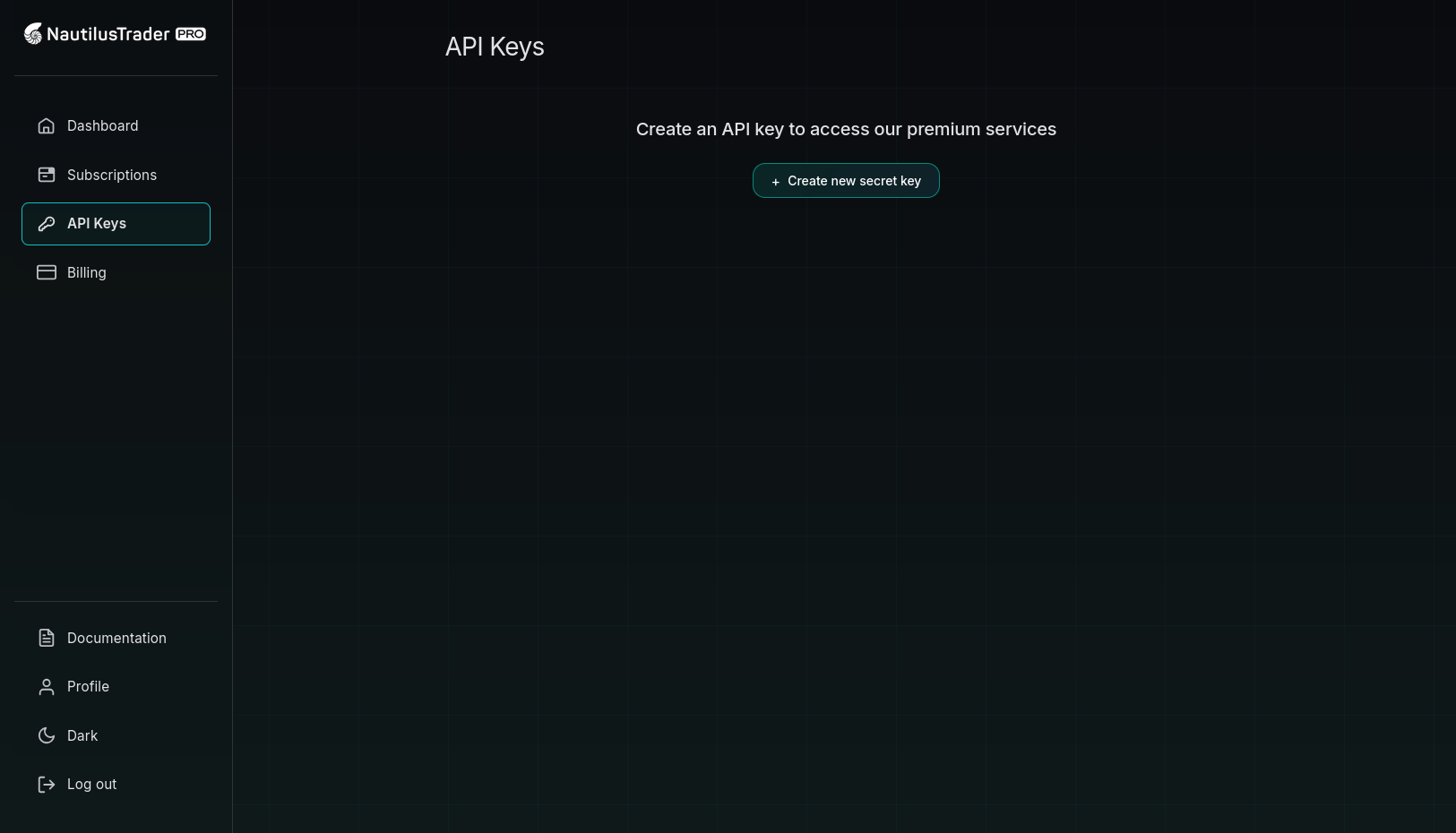
Overview
An API key is an authentication credential generated by Nautilus Portal to identify the source making a request to NautilusTrader Pro services.
API keys add a layer of security to your account. With them, you can authenticate requests without using your account username or password. Protect your API key like your password, never give it to a third party.
You can only maintain one active API key per account. Each key uses the prefix nt_ for easy identification.
Creating an API key
- Click the Create API Key button
- Provide a descriptive name for your API key (up to 255 characters)
- Click Generate API Key
- Copy your API key immediately—this is the only time it will be shown in full
Editing an API key
- Click the pencil icon for the key you want to edit
- Type a new name for the API key
- Click Rename API Key
Rotating an API key
Regularly rotate your API key for security. This limits the time any one key is active.
- Click the refresh icon for the key you want to rotate
- Click Regenerate API Key to confirm
- Copy the new key immediately
Note: Any applications currently using the API key will be disconnected.
Deleting an API key
- Click the trash can icon for the key you want to delete
- Click Delete API Key to confirm
Note: Before you delete a key, we recommend you first test that it's no longer in use.
Using your API key
Docker authentication
# Set as environment variable
export NAUTILUS_API_KEY="nt_your_api_key_here"

# Pull and run premium container
docker pull registry.nautilustrader.io/nautilus-pro:latest
docker run -e NAUTILUS_API_KEY=$NAUTILUS_API_KEY registry.nautilustrader.io/nautilus-pro:latest
Environment variables
# .env file
NAUTILUS_API_KEY=nt_your_api_key_here
Securing your API keys
Secure your API keys carefully. If your API key is exposed, your account may incur charges.
- Don't store API keys in source code. Use environment variables instead.
- Regenerate any compromised key immediately. Delete or regenerate if exposed.
- Regularly rotate your keys to limit exposure time.
- Monitor the "Last Used" timestamp to detect unexpected usage.